WooCommerce installation guide
How to integrate your Woo store with sellshirts
Download the Plugin
Click the button below to download the plugin:
The file: sellshirts-woocommerce.zip will be downloaded to your computer.
Ready to Install! You now have the plugin file.
Install the Plugin
- Go to your WordPress Admin - Log in to your WordPress dashboard at: yourwebsite.com/wp-admin
- Find plugins section, look at the left menu and click: ‘Plugins’, then click ‘Upload’
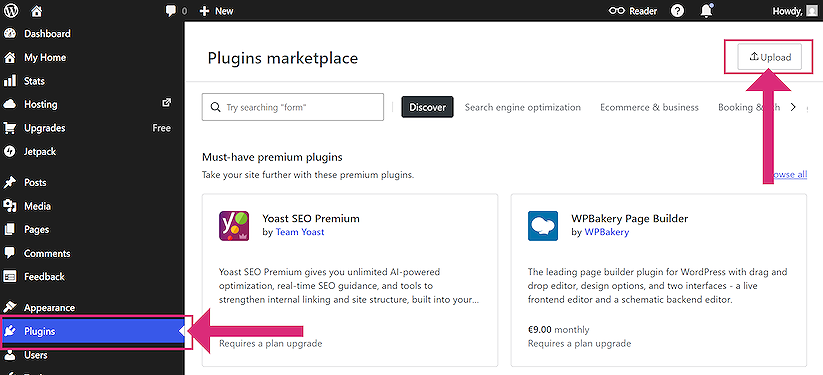
Upload the Plugin File
Click the button that says: ‘Upload Plugin’. Then click ‘Choose File’.
- Find the downloaded file: sellshirts-woocommerce.zip
- Select it and click Open
Install and Activate
- Click the Install Now button
- Wait for upload to complete (a few seconds)
- Click the Activate Plugin button
Installation Complete! The plugin is now active in your WordPress store.
Connect with sellshirts
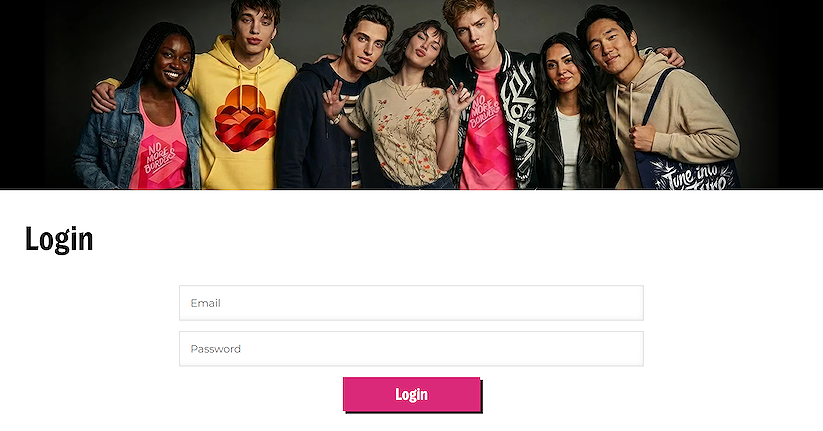
Login to sellshirts
Go to sellshirts.com and log in with your account details.
Connect integration
Navigate to the Integrations page, in your account area. On the Woo section, click on the ‘CONNECT WOOCOMMERCE’ button on the integrations page.
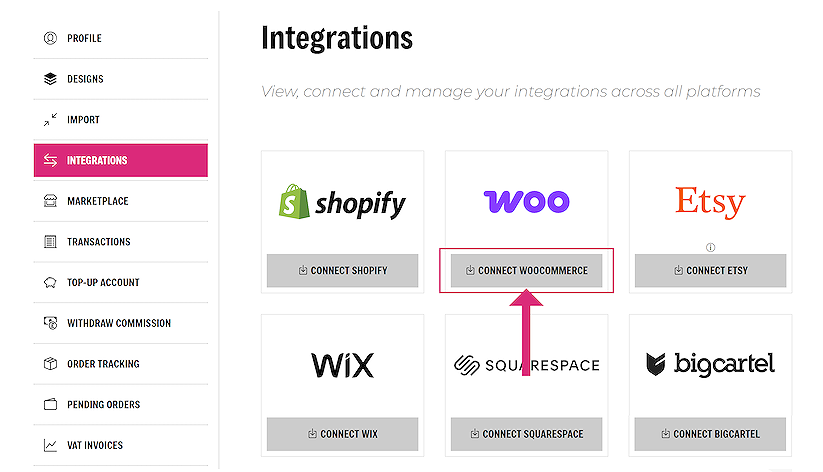
You will be asked to connect to your WooCommerce store. Enter your domain.
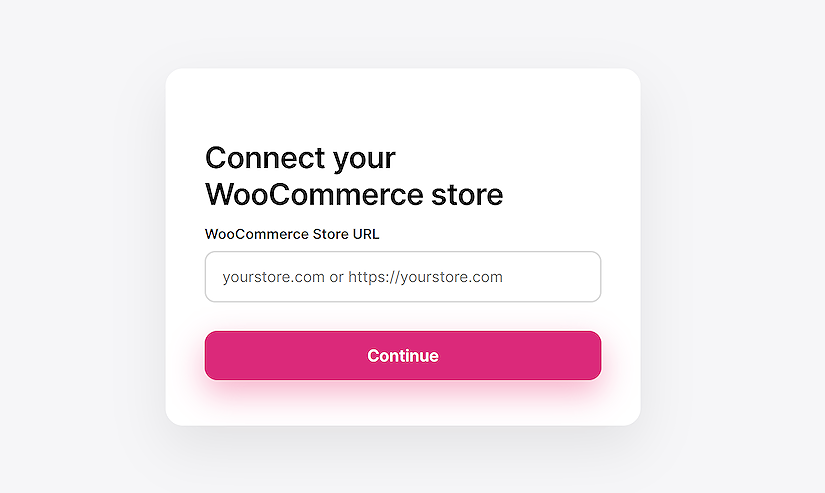
You will be redirected back to your WordPress store automatically.
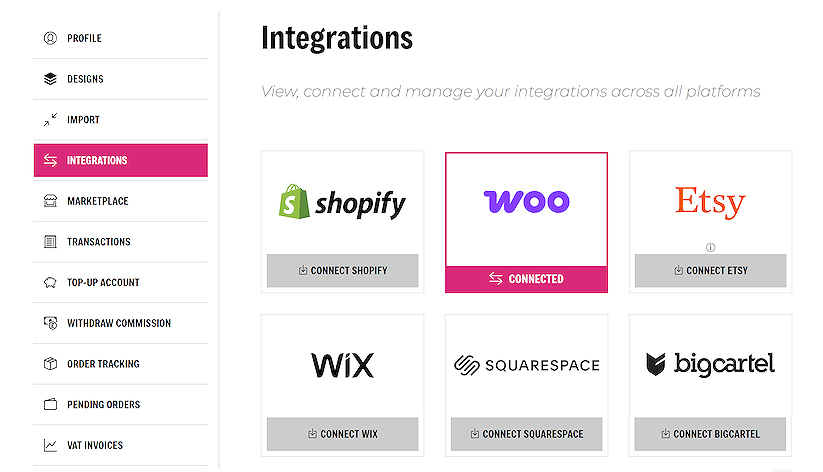
Congratulations!! Your Woo store is now connected to your sellshirts account.
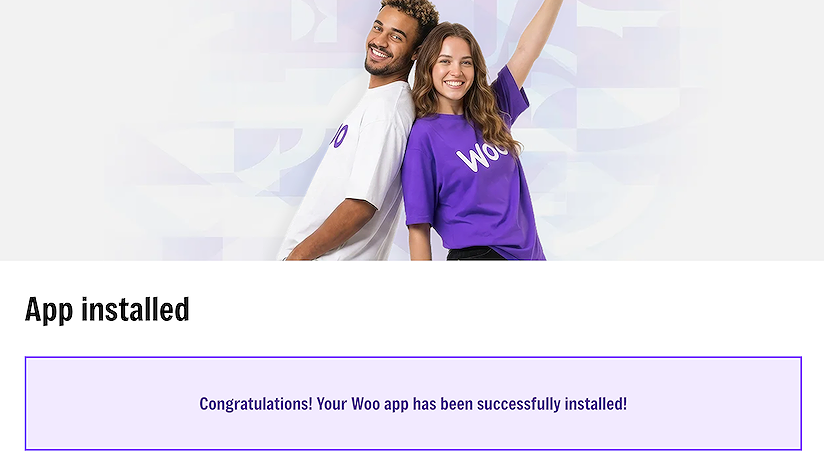
You can view your integration in your account area, on the Integrations page.