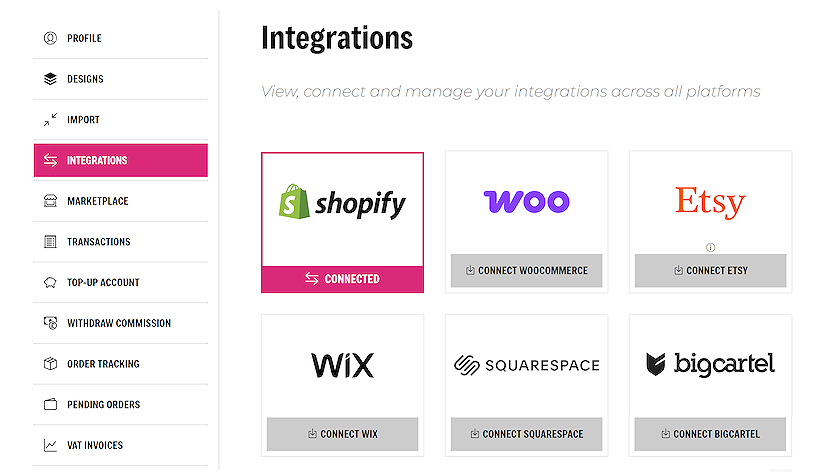
Shopify installation guide
How to integrate your Shopify store with sellshirts
Install the sellshirts app
Click on the link to install the app from the Shopify app store.
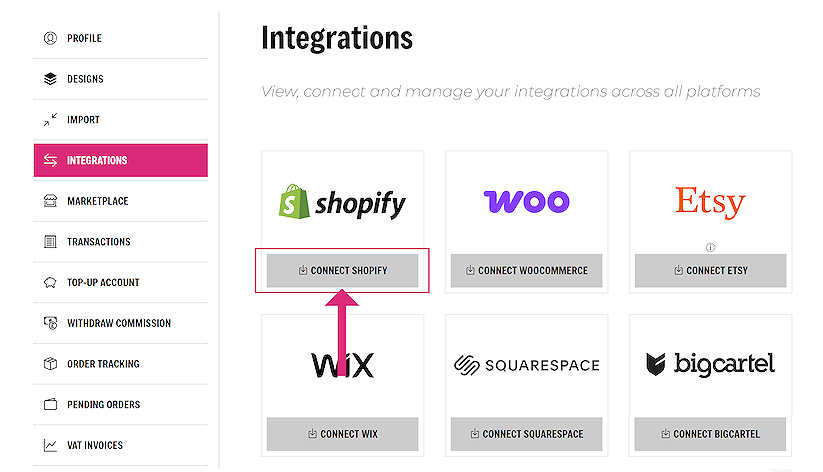
Alternatively, navigate to the Integrations page, in your account area. On the Shopify section, click on the ‘CONNECT SHOPIFY’ button on the integrations page.
In the Shopify app store click on ‘Install’ on the sellshirts app page.
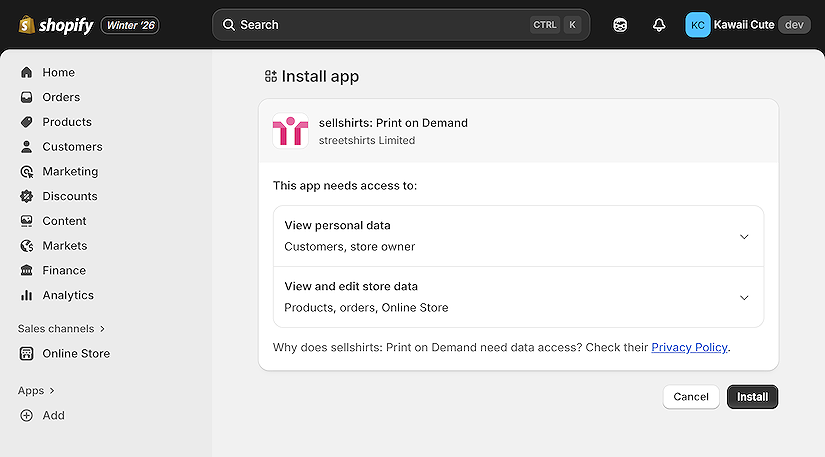
Follow the installation instructions on Shopify. You will then be re-directed to the account page on the sellshirts site.
If you are not signed in, sign in to your sellshirts account now.

Once your store is connected you will be redirected to this completion page:

Congratulations!! Your Shopify store is now connected to your sellshirts account.
You can view your integration in your account area, on the Integrations page.